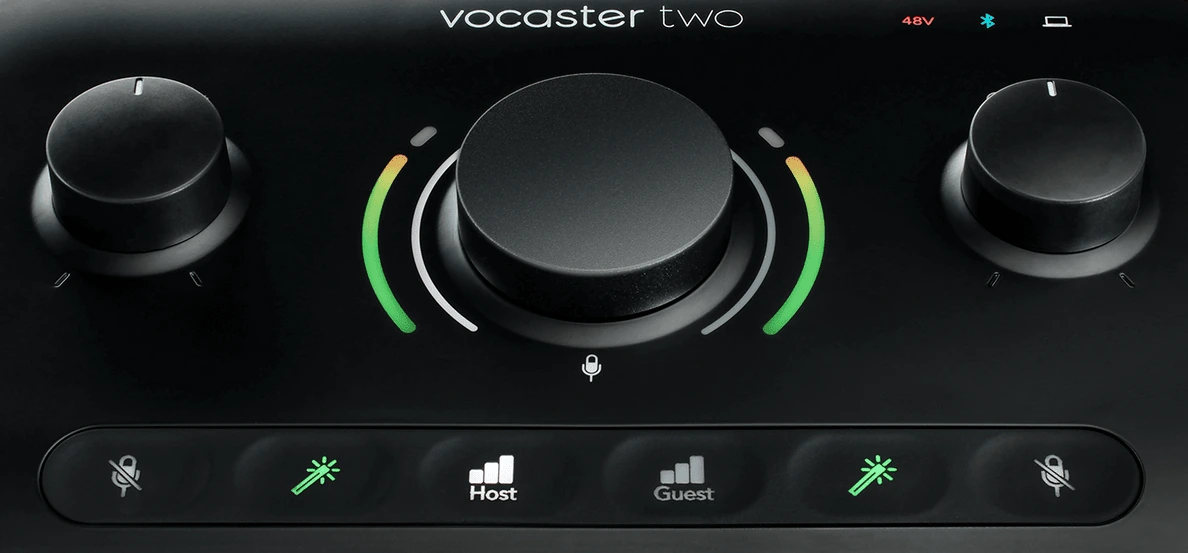
Geoffrey D. Bennett has just released a major update of ALSA Scarlett GUI, a control program for Focusrite’s Scarlett, Clarett, and Vocaster audio interfaces.
DSP control
For Vocaster One and Two, Geoffrey added controls for the built-in DSP that includes a pre-compressor filter, a compressor, and a parametric EQ.
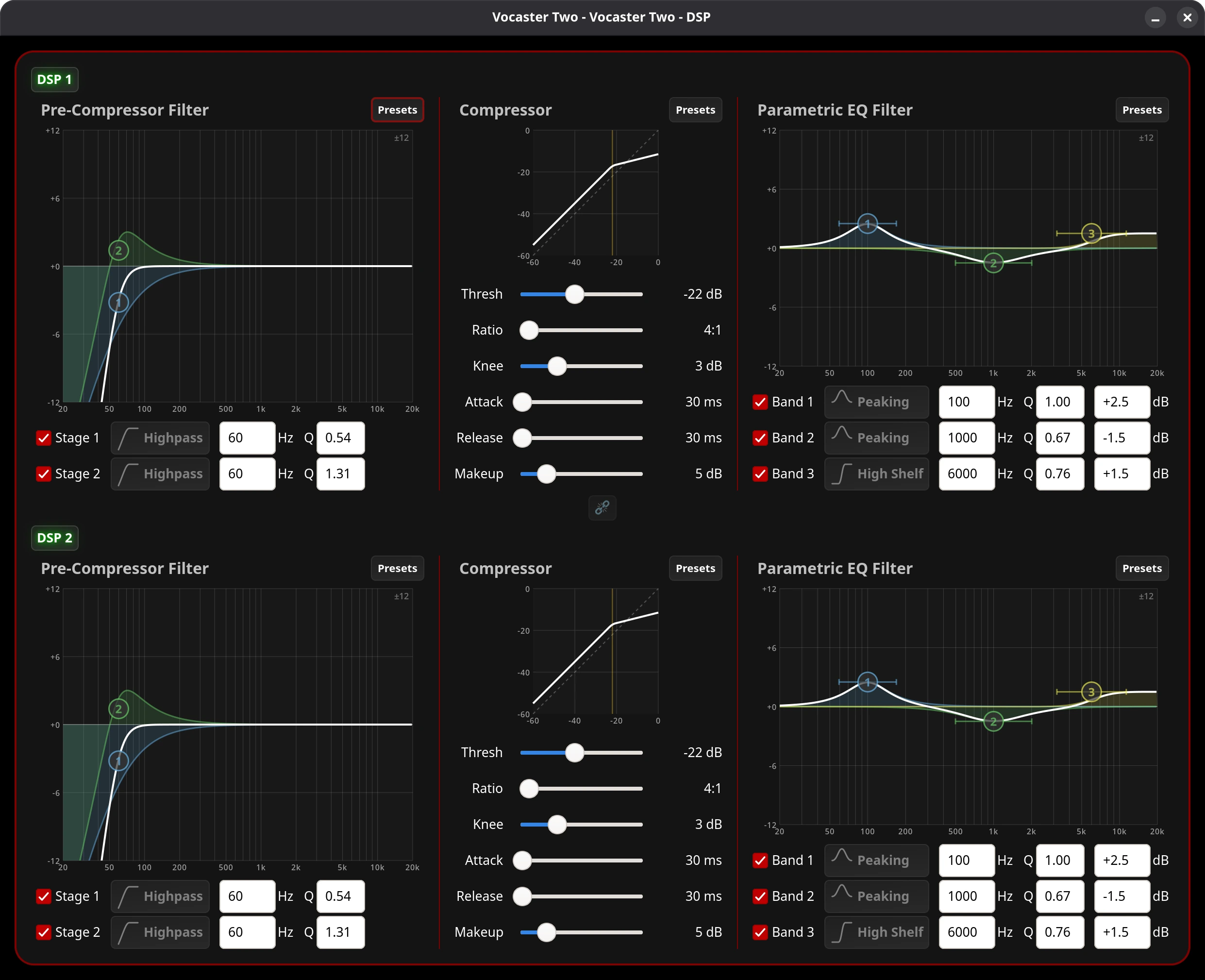
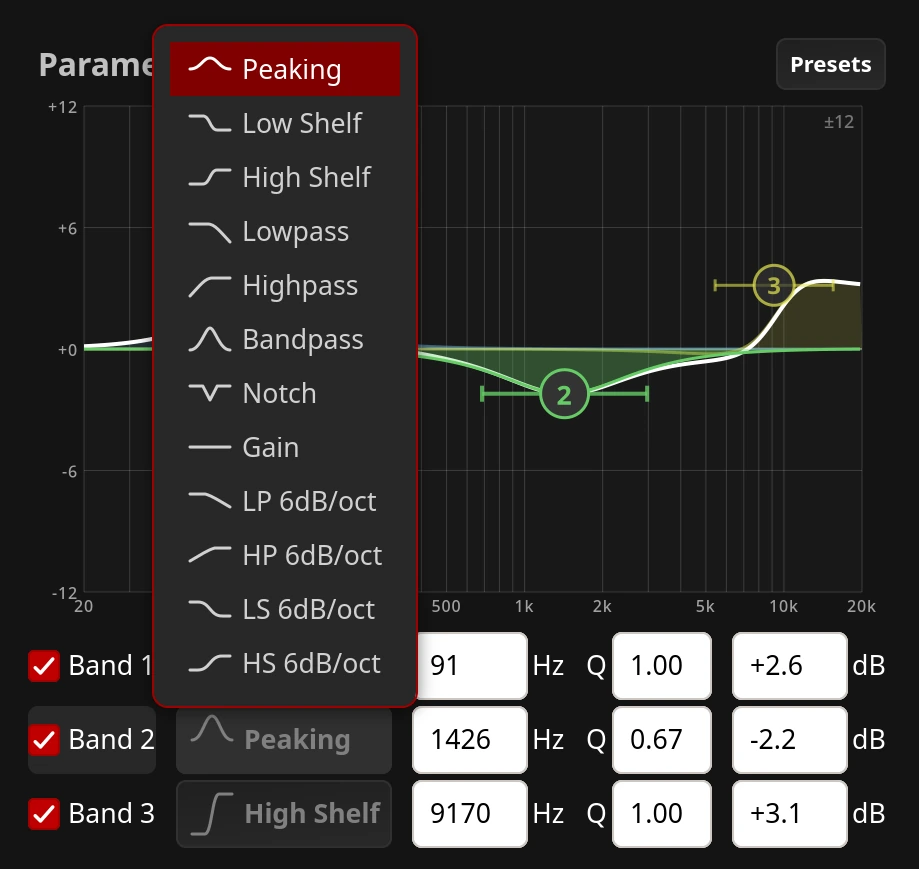
The controls on the pre-compressor filter and parametric EQ graphs are interactive: you can pick handles and move them around (Q can only be edited numerically though, it seems).
You can also choose between 12 filter types:
Configuration
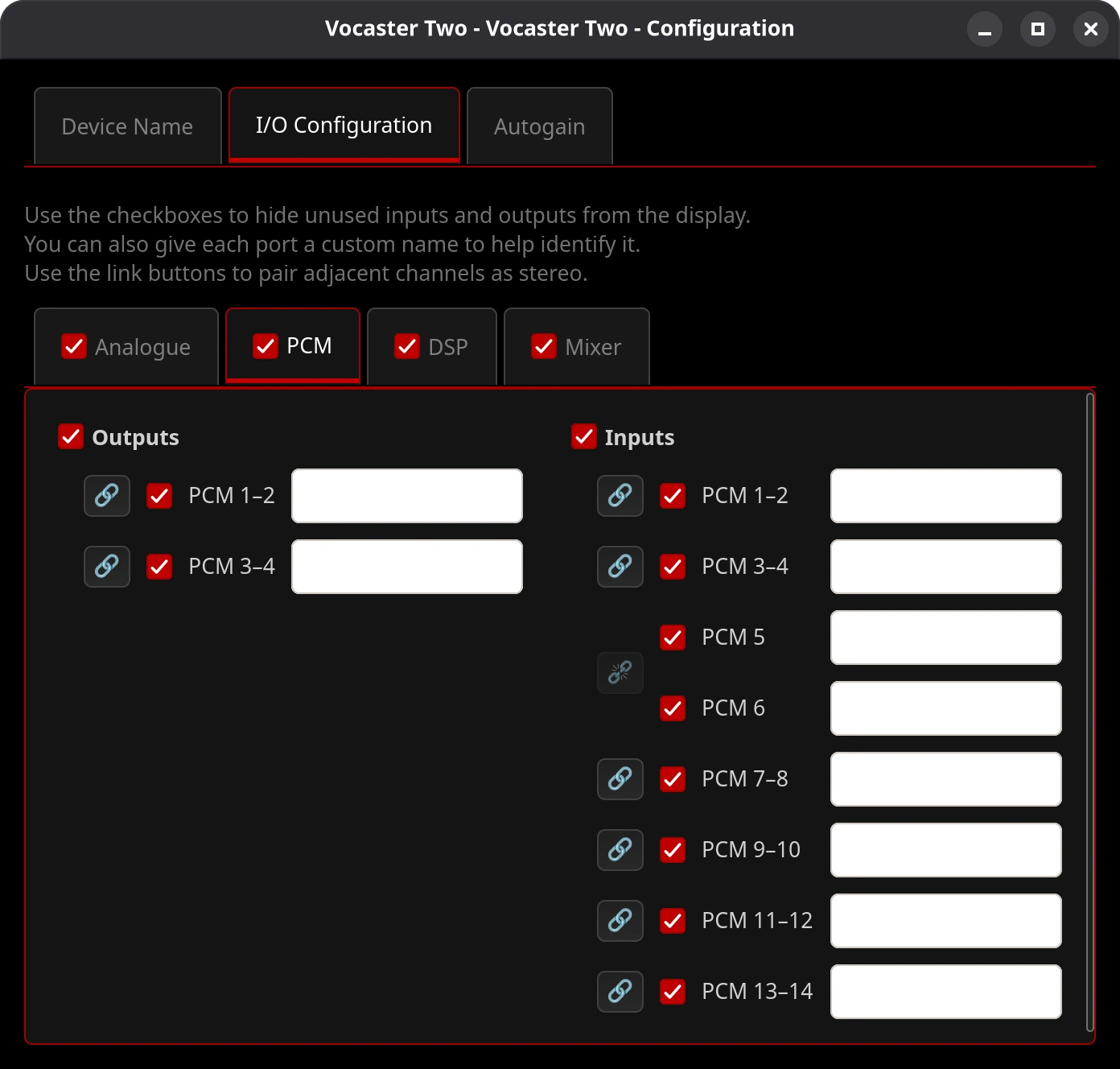
This is another new window where you can toggle the visibility of unused channels, set stereo linking, and give custom names to inputs and outputs.
In addition, you can set the target level for the Autogain feature.
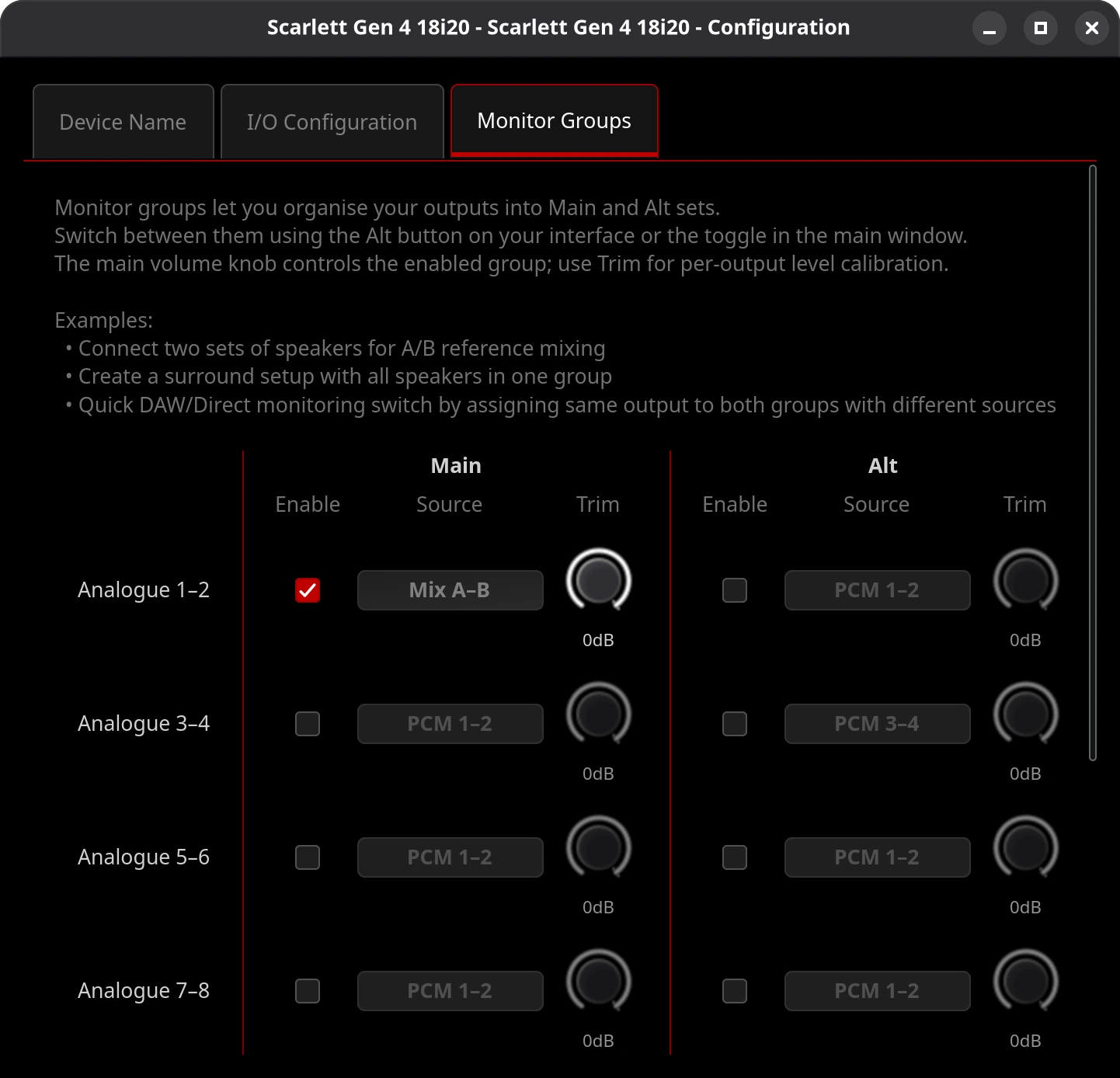
For models with larger number of IOs (think Gen4 18i20), this is also where you control monitor groups:
Routing window updates
There have been some improvements here:
- Routing lines now display a real-time glow effect that reflects the audio signal level passing through the connection.
- When a routing connection has a hidden port, there’s an arrow indicator at the visible end now.
- Adjacent stereo-linked channels are now displayed as a single stereo port.
- On 4th Gen 16i16/18i16/18i20 interfaces with monitor groups configured, the routing window now shows the effective audio routing.
Mixer window updates
Just like Routing, the Mixer window got its share of UX/UI updates:
- Mixer input and output labels now display a real-time horizontal glow bar that reflects the signal level at that port.
- Gain knobs now include a signal level meter inside the dial (except for Gen1 devices that don’t support it).
- When channels are stereo-linked, the mixer displays them as a single stereo fader.
Presets
You can now save and restore presets from the main window.
Firmware update changes
For the 4gen devices with larger number of IOs, the program now support multi-step firmware upgrade: leapfrog, then ESP, then application.
Device support
The changes mainly affect the “big 4gen” devices and Vocaster units:
- Scarlett Big 4th Gen (16i16, 18i16, 18i20) support now includes hardware identification, monitor groups, input mute, and output volume/mute/dim controls.
- Vocaster interfaces now have dedicated mute controls for speaker and headphone outputs in the main window.
For more detailed info, please see release notes.
Patreon subscribers get early access to my posts. If you are feeling generous, you can also make a one-time donation on BuyMeACoffee.